
How to Search Greene County Traffic Court Records
Public Greene County traffic court records are searched through Pennsylvania UJS Case Search when the citation or summary matter has a public docket. Payment for eligible traffic tickets and court costs is handled through PAePay, which covers Traffic, Non-Traffic, Summary, Summary Appeal, and Criminal payment categories.
Before searching, gather the citation number, name on the ticket, issuing court, and approximate court date. If the ticket has already moved into a summary appeal, DUI-related preliminary matter, or Common Pleas event, the public record may appear outside a simple traffic-only view.
- Open UJS Case Search and search by participant name, docket number, or court type.
- Confirm whether the case is listed under a Magisterial District Court or a Common Pleas summary appeal.
- Review the docket for charge, statute, court date, plea, disposition, fine, and payment status.
- Use PAePay only when the ticket or costs are eligible for online payment.
- Call the MDJ office or maintaining clerk for certified local copies or hearing questions.
UJS Pay Online is the official statewide payment route documented for Greene County traffic ticket and court-cost payment.
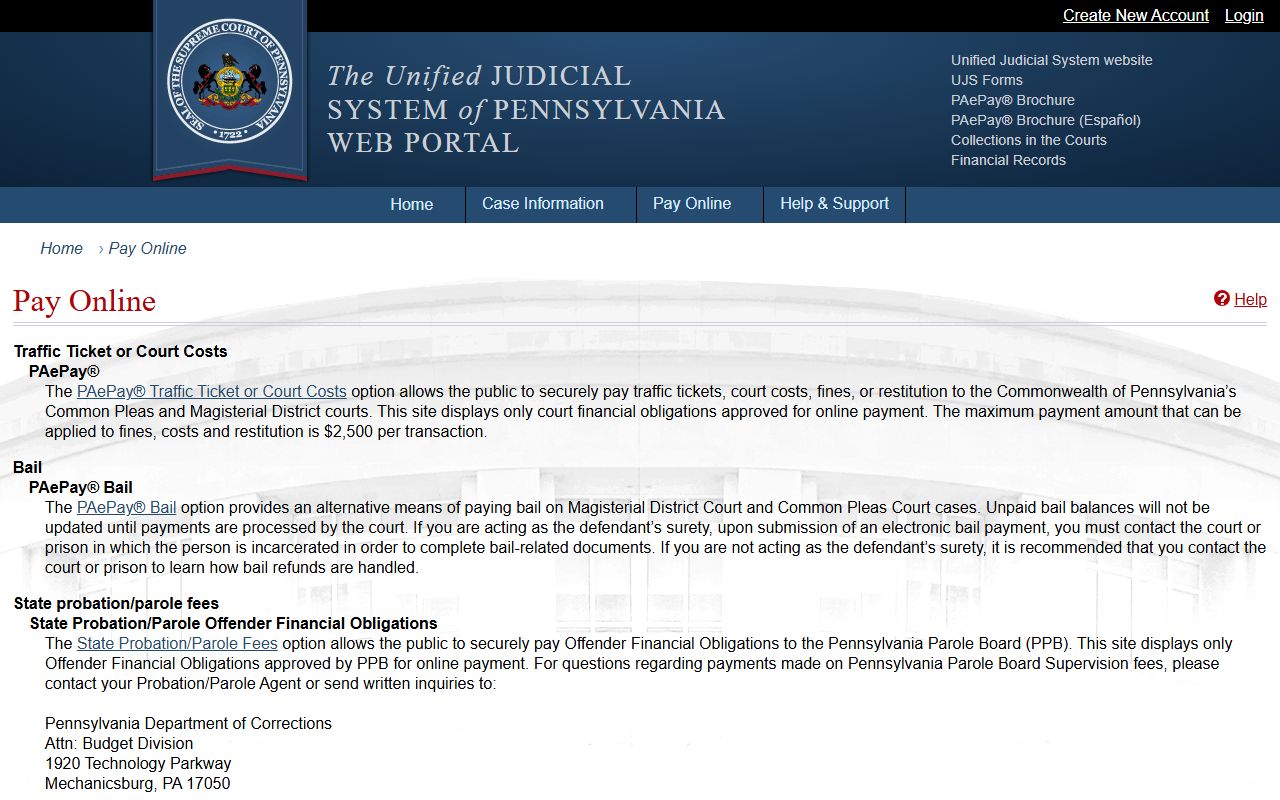
The payment portal does not replace the docket search; it is mainly for payment actions after you confirm the correct case.
Which Courts Handle Traffic Cases in Greene County
Traffic cases in Greene County generally begin in Magisterial District Court. The county MDJ system handles vehicle code violations, summary offenses, local ordinances, DUI-related preliminary matters, third-degree misdemeanor matters, landlord-tenant cases, and small civil claims up to the county-researched limit.
Common Pleas becomes more relevant when a matter is appealed, becomes criminal in nature, or is connected to broader court proceedings. Civil-copy questions go to the Prothonotary; criminal and summary-appeal questions may involve the Clerk of Courts.
| Court | Traffic Cases Handled | Address |
|---|---|---|
| Magisterial District Courts | Traffic citations, vehicle code violations, summary offenses, ordinances | See county MDJ office listing |
| Court of Common Pleas | Summary appeals, DUI-related criminal path, advanced criminal matters | 10 East High Street, Waynesburg |
| Clerk or Prothonotary channel | Copies, appeals, and case-file follow-up depending on case type | Greene County Courthouse offices |
Types of Traffic Cases on Record
Greene County traffic records may include routine vehicle-code citations, summary non-traffic matters, summary appeals, and criminal-related traffic events. Public dockets usually show the charge label and statute, but the practical impact on a license belongs to PennDOT records, not the county court file.
- Vehicle code violations - Typical citation matters start in an MDJ docket.
- Summary offenses - Non-traffic summary cases can share the same payment and docket channels.
- Local ordinance matters - Local violations may appear in lower-court records.
- DUI preliminary matters - DUI usually becomes a criminal court issue rather than a simple traffic record.
- Summary appeals - Appeals may move the record into Court of Common Pleas channels.
What Greene County Traffic Court Records Show
A traffic court record is the case file. It commonly shows the citation, charge or statute, hearing activity, plea, disposition, fine or cost balance, and payment status. It does not by itself prove the current driver-license point total.
| Field | What It Shows |
|---|---|
| Citation Number | Identifier from the ticket or docket record. |
| Charge / Statute | Vehicle-code, summary, or related charge description. |
| Court Date | Scheduled hearing, plea, or docket-event date. |
| Disposition | Outcome such as guilty, dismissed, withdrawn, or appealed when shown. |
| Fine Amount | Financial obligation, court costs, or payment plan information. |
| Payment Status | Whether payment may be made or tracked through PAePay. |
Searching by Citation Number vs by Name
Citation numbers are more precise, but name searches are often necessary when the ticket is missing. Name searches can return multiple people or unrelated cases, so verify the county, court, docket type, and date before paying or requesting copies.
| Search Field | Type | Required | Notes / Format |
|---|---|---|---|
| Traffic Ticket or Court Costs | Payment category | Yes | PAePay category for traffic, non-traffic, summary, summary appeal, criminal costs, and plans. |
| Bail | Payment category | No | Separate PAePay bail channel. |
| State Probation/Parole Fees | Payment category | No | Separate fee channel, not a traffic citation search field. |
| View Cart | Button/link | N/A | Payment checkout step after selecting an eligible item. |
The UJS help page explains the PAePay traffic ticket and court-cost process.
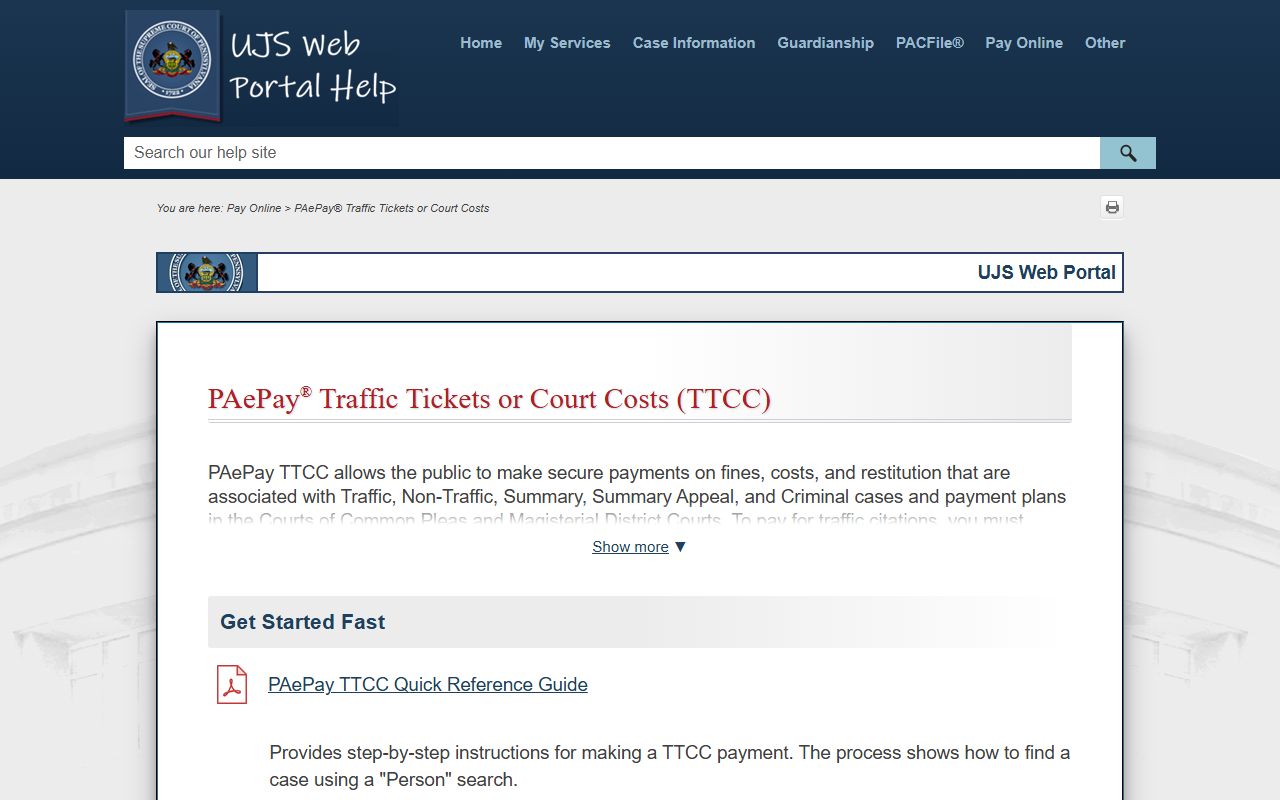
For traffic citations, the help material states that online payment requires entering a guilty plea during the payment process.
Paying or Contesting a Greene County Traffic Ticket
PAePay accepts major card and ATM-card payments for eligible traffic tickets, costs, fines, restitution, and payment plans. The research identifies a non-refundable 2.75% service fee. For traffic citations, payment online is treated as a guilty plea during the PAePay workflow.
To contest a ticket, contact the issuing MDJ office or follow the instructions on the citation. Do not pay online if you intend to contest guilt. If the case has already become a summary appeal or criminal matter, confirm the correct court before filing or appearing.
Public Access Laws for Traffic Court Records
Pennsylvania court records are accessed through court systems and court offices, not through a single county open-records desk. Greene County's own research theme is that records stay with the office responsible for them. Traffic docket records generally follow UJS and MDJ routes; administrative county records may follow Right-to-Know channels.
Key Statutes:
Pennsylvania court public-records policies explain court-record access rules and limits.
Pennsylvania Right-to-Know Law resources apply to eligible administrative records outside the court case-file lane.
Court Traffic Records vs State Driver Records
The court traffic record is the county case file. The state driver record is PennDOT's licensing-history file. A court docket may show the disposition and fine; the PennDOT record may show convictions, points, and license-status consequences.
| Record Type | Source | What It Shows | How to Access |
|---|---|---|---|
| Court Traffic Record | MDJ, UJS, or Common Pleas path | Citation, charge, plea, court date, disposition, fine, payment status | UJS Case Search, MDJ office, PAePay for payment |
| State Driver Record | PennDOT | Driver history, convictions, points, license-status information | PennDOT Individual Driver Records |
PennDOT's Individual Driver Records service is the state source for driver-history records.
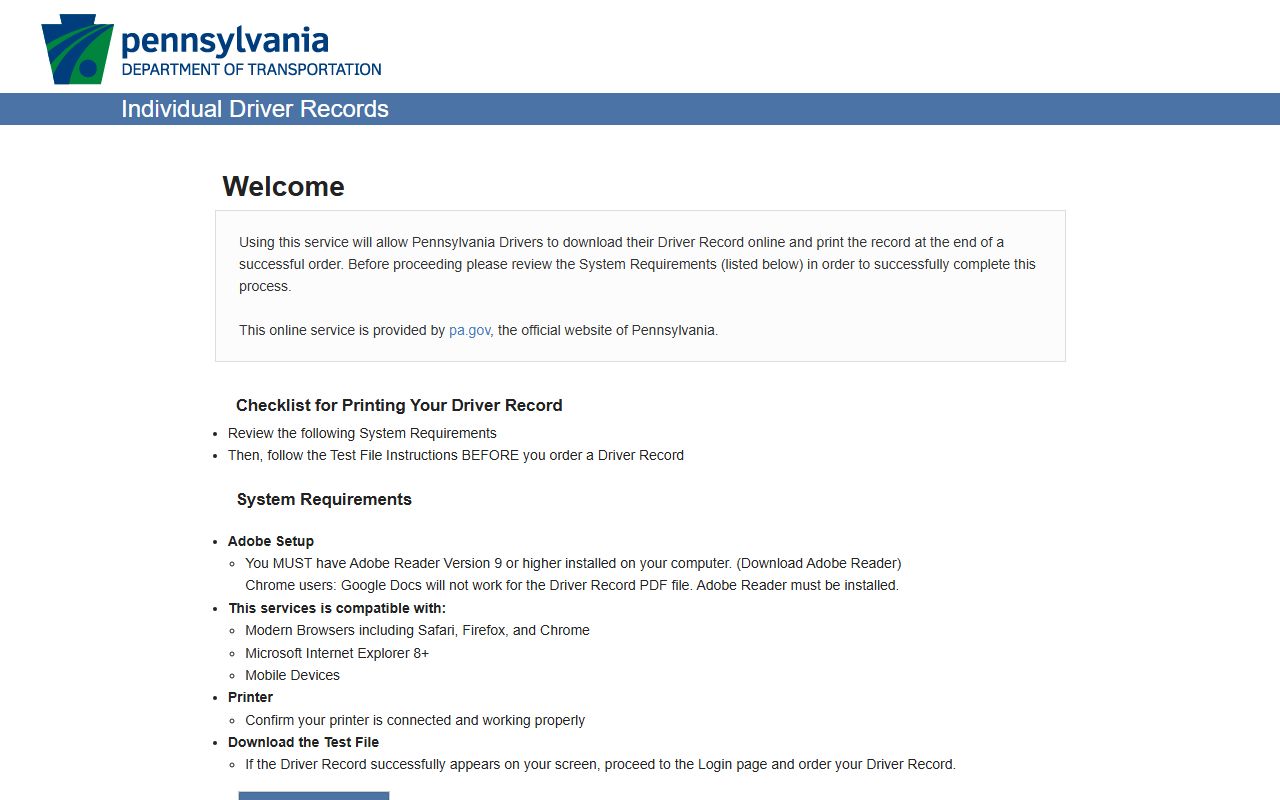
The PennDOT driver record is separate from the Greene County traffic case docket and may be needed when points or license status matter.
CDL and Commercial Driver Records
Commercial drivers should treat any traffic case as potentially license-sensitive. The Greene County court record may show the ticket and disposition, but commercial-driver consequences are typically evaluated through PennDOT and applicable state/federal licensing rules. Confirm the court case and the driver-record impact separately.
DUI / DWI Cases
DUI-related preliminary matters may begin in the MDJ system, but DUI is not treated like a simple traffic ticket. It normally routes into criminal court records, charging records, and Common Pleas/Clerk of Courts channels when prosecution continues.
For full Greene County DUI/DWI case information, see Greene County arrest records and court charges.
Deferred Adjudication and Defensive Driving Course
The research file did not locate a Greene County-specific defensive-driving diversion program for traffic citations. If a disposition option is available, it should be confirmed with the issuing MDJ office before any plea or payment. Paying online through PAePay for a traffic citation requires a guilty plea, so it is not the right path when requesting a different disposition.
Sealing or Expunging Traffic Records
Traffic-related expungement depends on whether the matter is a summary case, criminal case, dismissal, ARD issue, juvenile matter, or other eligible category. Start with the UJS docket and then contact the court that handled the case. Adult criminal or DUI-related matters usually require Clerk of Courts and District Attorney notice rather than a simple MDJ copy request.
Fees for Traffic Record Copies
Official local line-item copy fees were not captured in the research. The documented payment facts are the PAePay service fee and the separate nature of PennDOT driver-record ordering. Ask the maintaining MDJ, Prothonotary, or Clerk office for certified-copy pricing before mailing payment.
| Item | Amount |
|---|---|
| PAePay service fee | 2.75% non-refundable service fee |
| Plain court copy | Fee not located in official sources |
| Certified court copy | Fee not located in official sources |
| PennDOT driver record | Order through PennDOT Individual Driver Records |