
Where to Start Searching Greene County Court Records
Greene County public-record access works as a layered path. Start with one of the online databases below, and then confirm whether the record exists in a clerk-maintained system that requires an office request.
- Decide if the file is civil, criminal, traffic, marriage, divorce, or probate in nature.
- Open the public portal for that category and use case number, participant name, and date range filters.
- Read the entry list for the full case lifecycle before contacting an office.
- If the output is incomplete, switch to the correct clerk or court office with the same case details.
- For certified copies, submit an official records request with the office that created the record.
Online Court Record Portals in Greene County
The first channel for many Greene County records is the UJS public portal and, for civil records, the local CountySuite view.
- UJS Case Search for common civil and criminal case lookup in Pennsylvania.
- UJS Case Information for docket and court event context.
- Greene County CountySuite Civil Search for public civil query in Greene County.
- Clerk of Courts page for criminal and Orphans' Court service channels.
Search Field Guide for Greene County
Use this field guide to reduce no-result errors from blank queries.
| Field | Input Type | Required | Notes |
|---|---|---|---|
| Search by Name or Case Number | Tab/radio | No | Use name when you do not have a docket number. |
| Search by Case Number | Tab/radio | No | Use exact docket format for best precision. |
| Participant Name | Text | No | For party searches in criminal and civil matters. |
| Court Level | Filter | No | Refine by appellate, criminal, or MDJ context. |
| Date Range | Date | No | Start-date filter can narrow heavy results. |
| Secure Login | Option | No | Secure docket data may not show in public mode. |
Record Types in Greene County and Where They Live
| Record Type | Primary Office | Typical Access | Best Follow-up |
|---|---|---|---|
| Civil Court Records | Prothonotary | Online via CountySuite, then office for official copies. | Prothonotary records request. |
| Criminal Dockets | UJS + Clerk of Courts | Public docket online, legal file through Clerk of Courts. | Clerk office filing request. |
| Traffic/MDJ Records | Magisterial District Court / UJS | UJS plus PAePay for payment records. | MDJ clerk for formal correction. |
| Marriage, Divorce | Clerk of Courts / Prothonotary | Clerk license access and Prothonotary divorce filing route. | Office counter for copies. |
| Orphans' Court | Clerk of Courts, Register of Wills | Office-first for probate and estate filings. | In-person or official request. |
| Inmates and Warrants | Sheriff / Greene County Prison | Facility or sheriff channels for current status. | Clerk or MDJ follow-up. |
What a Greene County Court Record Entry Contains
Each entry can include different detail blocks, but these are common across Greene County public case files.
| Field | What It Shows |
|---|---|
| Case Number | Case-level identifier for cross-channel verification. |
| Filing Date | Start date used for filing sequence and statute deadlines. |
| Case Type | Whether filing is civil, criminal, traffic, or family. |
| Court | Venue that generated the file and where orders were entered. |
| Participant | Case parties and key counsel references. |
| Disposition | Final outcomes such as dismissal, conviction, default, settlement. |
When a Greene County Record Is Restricted
Not every entry is fully public. Greene County has juvenile, sealed, and protected family constraints. Requests that involve minors, adoption records, mental-health references, sealed files, or expungement data require either restricted disclosure procedures or a court order.
If the online search returns a result without full attachments, expect a clerk-office records request path. That is where protected fields and full legal copies are controlled.
How to Request an Official Copy in Greene County
Public search views are not legal-certified. For court-use documents, provide case identifiers and request the correct office directly:
- Confirm case number and exact filing entity.
- State whether you need a certified copy or a plain informational copy.
- Submit through the office mailbox, fax, mail, or in-person counter listed by Greene County.
- Ask about per-copy fees, delivery timing, and whether an additional release form is required.
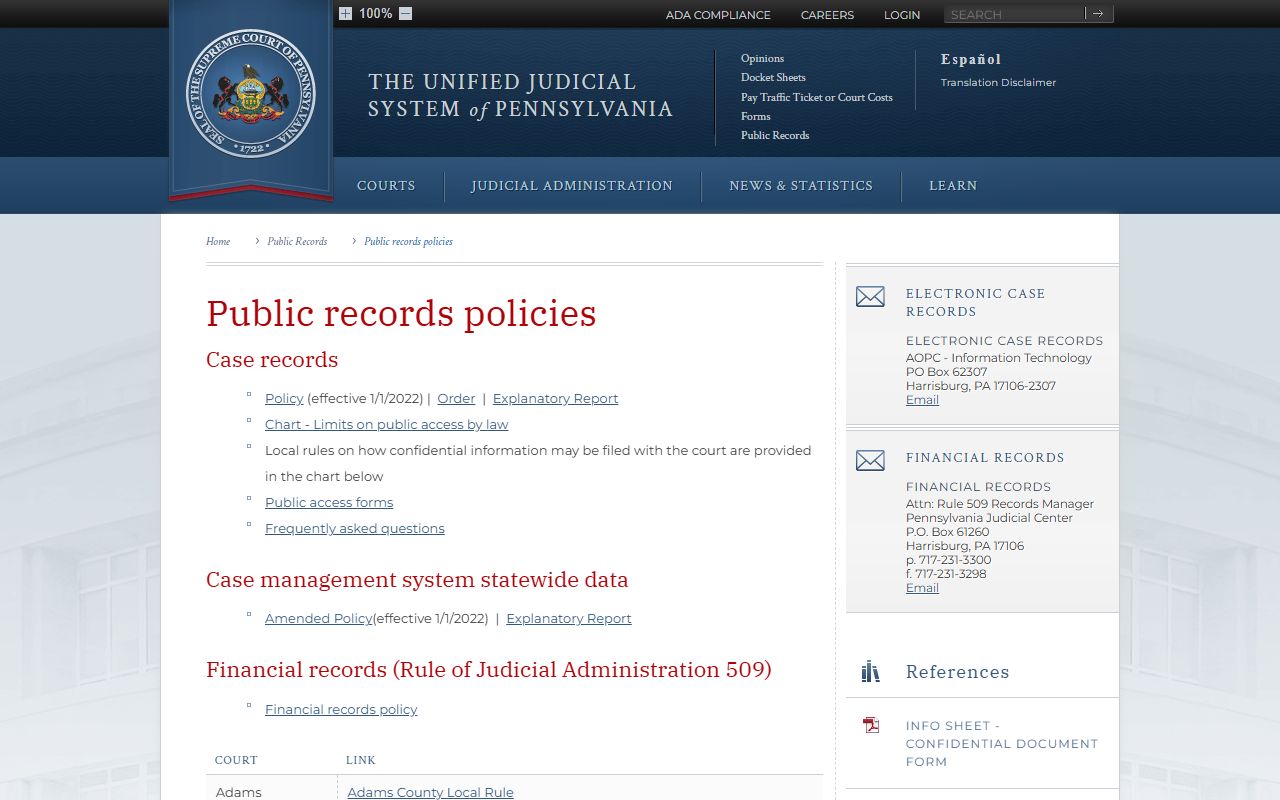
UJS public records policy pages define what courts may show in open-access channels for Greene County.
Use this as the baseline when a record appears incomplete online.
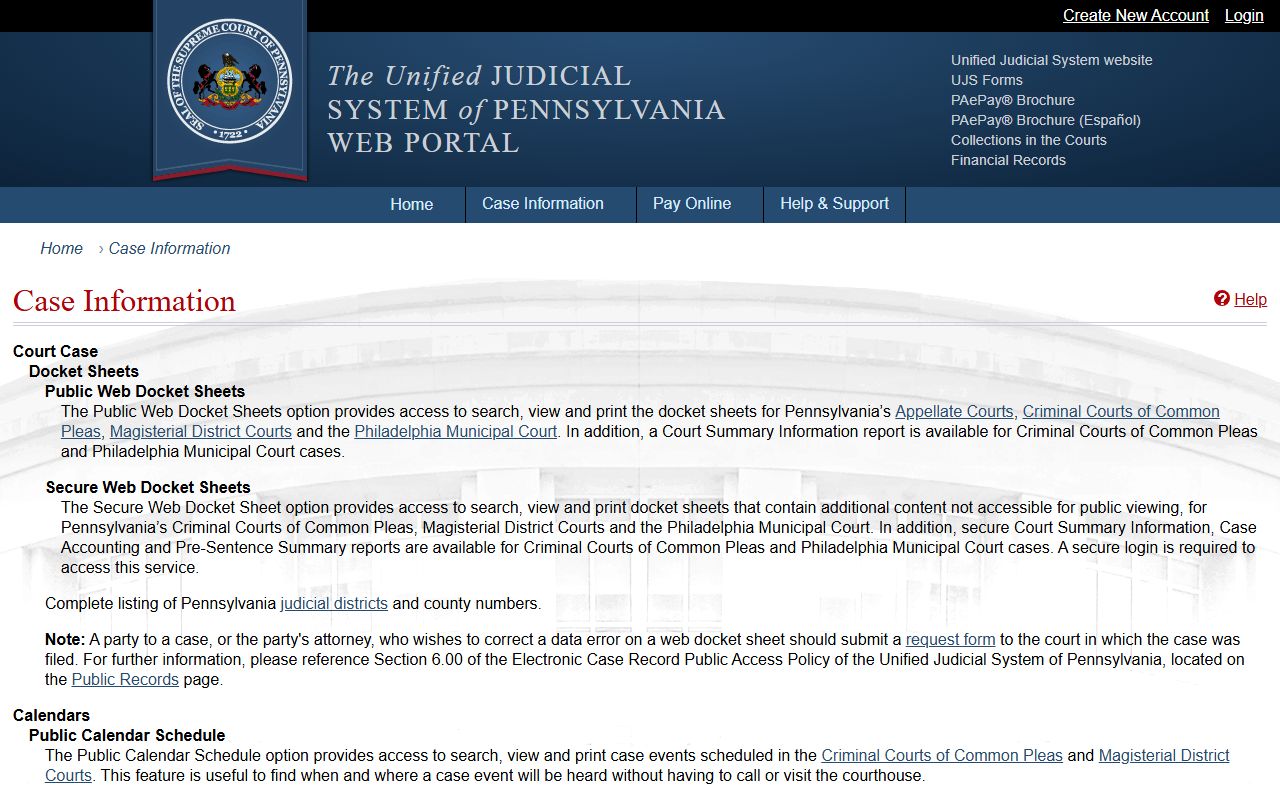
UJS case search is the starting point for general Greene County public docket lookup.
Verify each result with the responsible office for certified status.
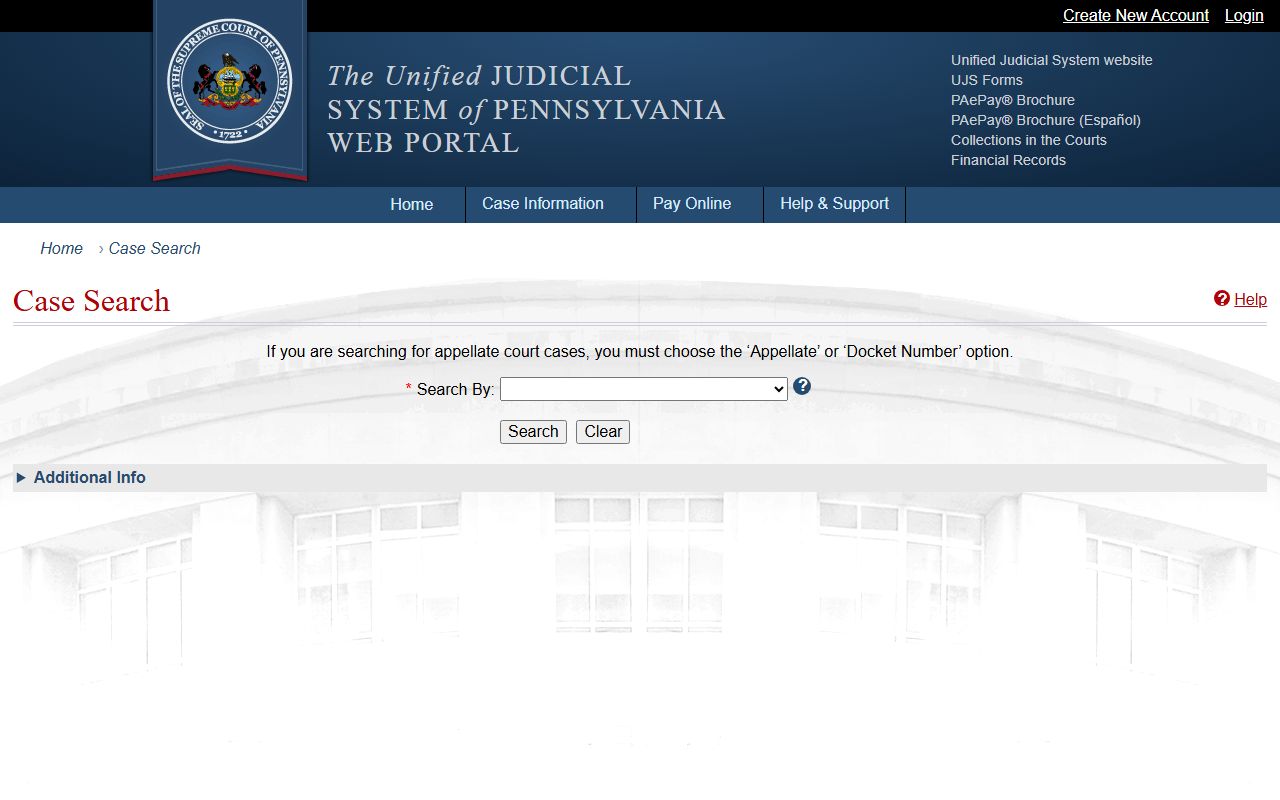
The public-record policy page confirms the distinction between public dockets and secure records.
Not every Greene County file is exposed in the public search layer.
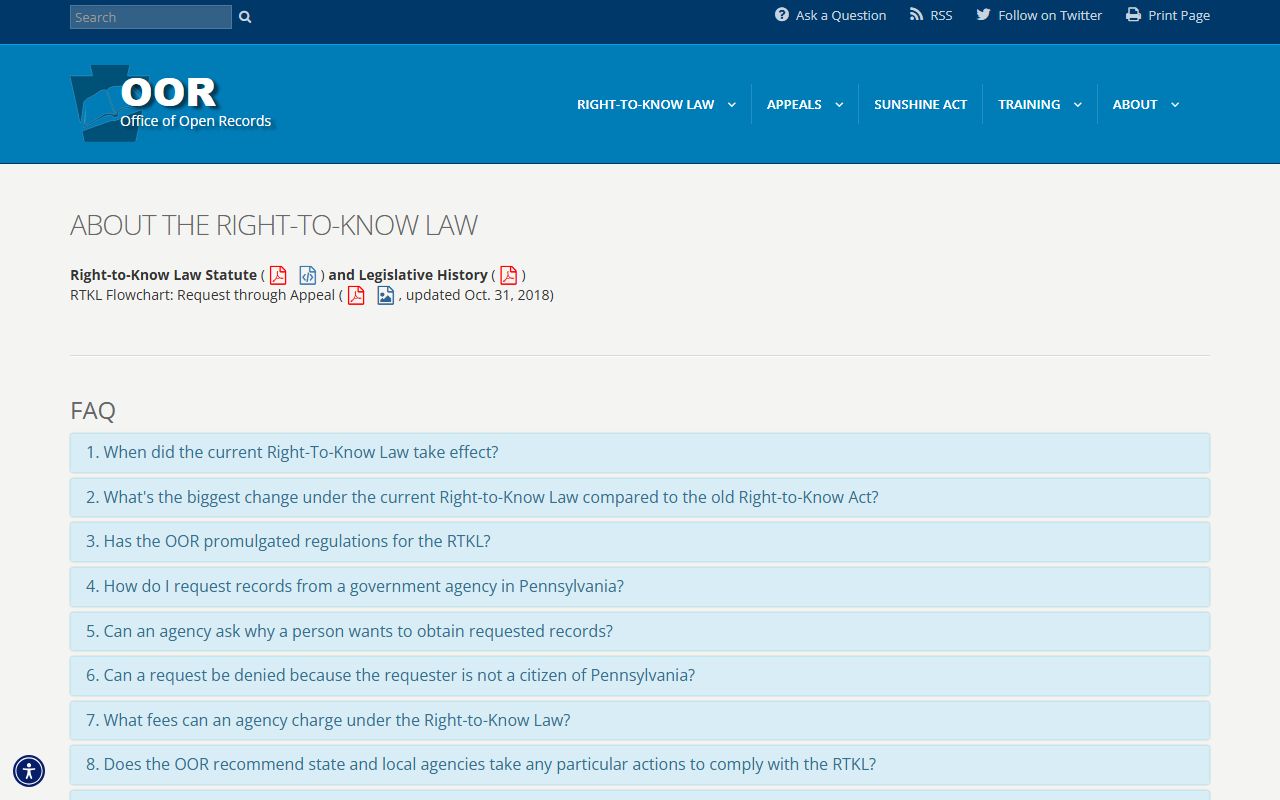
Open-records guidance supports when to use RTKL-style requests for non-court administrative records.
Court records remain office-controlled in part.